

In today’s digital workflow, PDF (Portable Document Format) remains the gold standard for sharing contracts, invoices, academic papers, and business reports. However, needing to convert documents between formats—such as Word to PDF, PDF to Excel, or images into searchable text—while working across different machines creates a unique challenge. Installing heavy software on restricted work computers, public terminals, or client laptops is often prohibited or impractical. Utilizing portable free PDF converters provides a lightweight, efficient, and secure solution for converting documents instantly without requiring a full desktop software installation.
Portable software runs directly from a local folder, external flash drive, or cloud storage directory without writing registry keys or modifying system files on the host computer. For remote professionals, system administrators, and everyday users, having a reliable toolkit of portable PDF conversion utilities is essential for maintaining productivity anywhere.
Why Portable PDF Conversion Tools Matter
Traditional desktop software suites require lengthy installation wizards, consume valuable local hard drive space, and frequently demand administrator privileges. When working on-the-go, these friction points slow down daily tasks.
Portable PDF utilities eliminate these barriers by delivering robust functionality in a standalone executable or browser-independent package.
Key Benefits of Portable Converters:
# Zero Installation Footprint: Run the tool instantly from a USB stick or portable SSD without leaving administrative residue on temporary workstations.
# Enhanced Privacy and Security: Converting sensitive business contracts locally using lightweight offline portable apps prevents confidential documents from being uploaded to third-party public cloud servers.
# Cross-Device Consistency: Keep your preferred conversion tools, settings, and macros synchronized across multiple machines effortlessly.
Top Portable Free PDF Converters for 2026
Evaluating file conversion utilities requires analyzing conversion speed, formatting retention, file size limitations, and data privacy frameworks. Below are the leading lightweight and portable solutions available today along with their official portals.
1. SumatraPDF (Lightweight Viewer & Fast Utility)
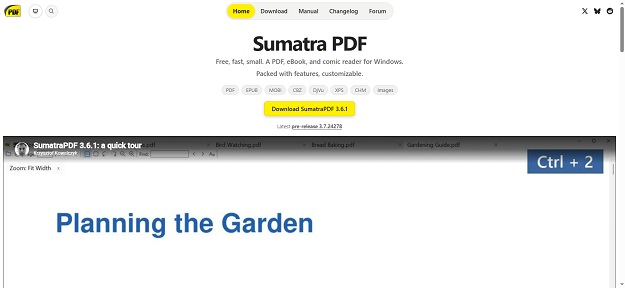
While primarily renowned as the fastest, most lightweight open-source PDF reader for Windows, SumatraPDF excels at quick document rendering and simple conversion tasks. Because it is natively portable, it consumes minimal RAM and opens instantly without any system overhead.
# Best For: Ultra-fast viewing, printing, and extracting text or images from PDFs on low-spec hardware.
# Portability: Fully portable standalone .zip executable package.
2. LibreOffice Portable (The Full Office Suite Converter)
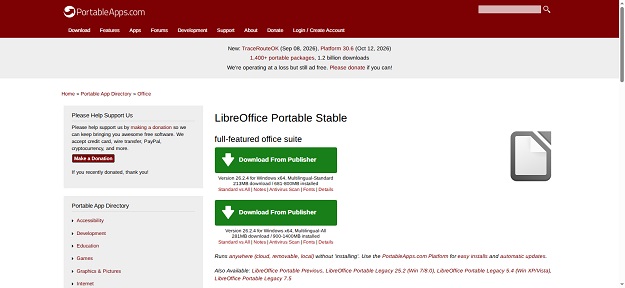
For advanced document transformations—such as converting complex Microsoft Word documents (.docx), Excel spreadsheets (.xlsx), or presentations (.pptx) into clean, professional PDFs—LibreOffice Portable is unmatched. Built on a powerful rendering engine, it preserves complex layouts, tables, and typography effortlessly.
# Best For: Heavy-duty document formatting, batch conversions, and high-fidelity layout preservation.
# Portability: Packaged via PortableApps format, running seamlessly from any external drive.
3. PDF24 Creator Portable Edition
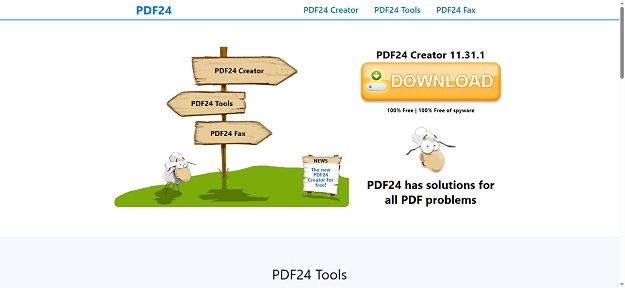
PDF24 Creator offers an extensive suite of offline PDF tools packaged in a convenient portable format. Beyond standard file conversion, it allows users to merge, split, compress, sign, and convert documents locally without requiring an active internet connection.
# Best For: All-in-one local PDF management, merging, and compression without cloud exposure.
# Portability: Available as a standalone portable package for Windows environments.
4. PDFsam Basic (PDF Split and Merge)
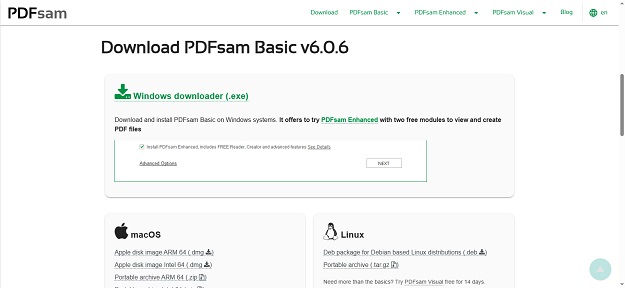
If your primary conversion need involves reorganizing, splitting, or merging heavy PDF files, PDFsam (PDF Split and Merge) Basic is an exceptional open-source tool. It processes all documents entirely on your local device, keeping sensitive information private.
# Best For: Extracting pages, merging multiple documents, and splitting large PDF files.
# Portability: Available in portable archive formats that require no system installation.
5. Pdf Tiger
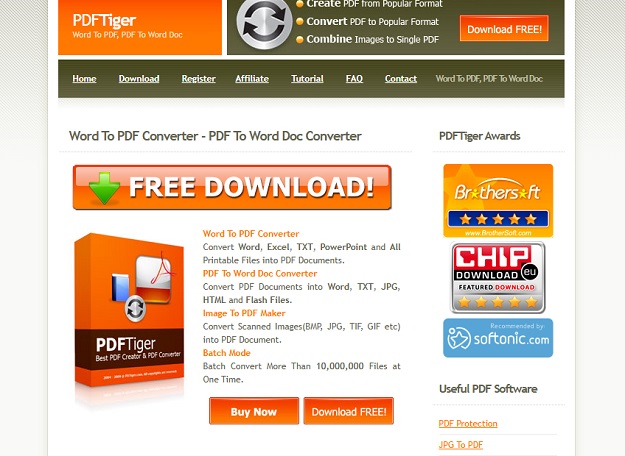
Pdf Tiger let users allow to quickly convert their doc files to pdf files basically it is a doc to pdf convertor tool, it allows users to convert their doc, excel, images and PowerPoint files to the pdf documents.
Best For
# With the help of Pdf Tiger users can also convert files such as html, swf flash files, plain text and images.
# Pdf Tiger supports Bach file conversion and can convert more than 10,000 file at a time during the batch processing.
# Pdf tiger is available for free download it is also available as premium version for $29.95 with some additional features.
Cloud-Based vs. Portable Desktop Converters: Privacy Considerations
When choosing how to convert documents, users generally select between web-based online converters and offline portable desktop apps. Each approach carries distinct trade-offs regarding security and convenience.
Understanding these differences protects confidential corporate data from accidental exposure.
Comparative Evaluation Framework:
Online Cloud Converters (e.g., Smallpdf, ILovePDF):
Pros: Accessible from any web browser; zero storage required; excellent cross-platform compatibility.
Cons: Requires uploading sensitive files to external servers; potential privacy risks for proprietary corporate data or personal financial documents.
Portable Desktop Converters (e.g., LibreOffice Portable, PDF24):
Pros: 100% offline processing; complete data privacy; zero server upload risks; functional without internet access.
Cons: Requires downloading the initial portable package (50MB–300MB depending on the suite).
Best Practices for Secure Document Conversion
To ensure your files remain secure and formatting integrity is maintained during conversion, follow these core operational guidelines:
Essential Workflow Recommendations:
# Verify Official Sources: Always download portable utilities directly from official project repositories or verified portals like PortableApps to avoid bundled adware or malware.
# Prioritize Local Processing for Sensitive Files: Never upload legal agreements, financial statements, or proprietary source code to unverified free online web converters. Use offline portable tools instead.
# Check Output Formatting: Always inspect converted PDF files for font substitution errors, broken image alignments, or missing table borders before transmitting files to clients.
Wrapping Up: Streamlining Workflows with Portable Tools
Using portable free PDF converters gives professionals the flexibility to manage document transformations securely and efficiently across any computing environment. Whether you choose a lightweight viewer like SumatraPDF for quick tasks or a comprehensive suite like LibreOffice Portable for advanced formatting, maintaining these tools in your digital toolkit ensures uninterrupted productivity.
Update your document workflow today by downloading trusted portable utilities and keeping your sensitive files processed safely on your local device.


