

Ensuring a seamless user experience across diverse browsers, operating systems, and screen resolutions is a critical requirement for modern web development. Today’s web applications are complex ecosystems powered by dynamic frameworks, API integrations, and intricate front-end architecture. Delivering a bug-free, high-performance web experience requires continuous, multi-layered testing. Utilizing the right website testing tools empowers developers, QA engineers, and site owners to identify performance bottlenecks, layout breaks, and security vulnerabilities before they impact users.
Whether performing cross-browser verification, load capacity stress tests, API validation, or automated user interface (UI) regression testing, having an updated toolkit is essential for maintaining code quality and operational reliability.
1. Why Automated and Continuous Web Testing Matters
Relying solely on manual website checks is inefficient, prone to human error, and virtually impossible across hundreds of potential browser and device combinations. Automated testing platforms accelerate deployment pipelines while maintaining high quality.
Key Benefits of Modern Web Testing Frameworks:
# Enhanced Cross-Browser Consistency: Verify that web layouts, CSS animations, and JavaScript functions render identically on Chrome, Safari, Firefox, and Edge.
# Proactive Security and Vulnerability Scanning: Detect broken links, missing HTTP headers, outdated SSL/TLS certificates, and potential script injection points.
# Optimized Core Web Vitals: Measure page loading speeds, layout shifts, and script execution delays to satisfy modern search engine ranking algorithms.
Top 10 Website Testing Tools for 2026
Evaluating software testing utilities requires looking at cross-platform compatibility, execution speed, continuous integration (CI/CD) support, and ease of setup. Below are the top ten industry-standard platforms divided by functional category.
Automated End-to-End & UI Testing
1. Playwright (By Microsoft)
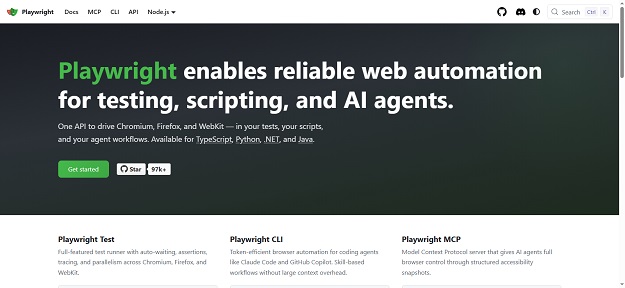
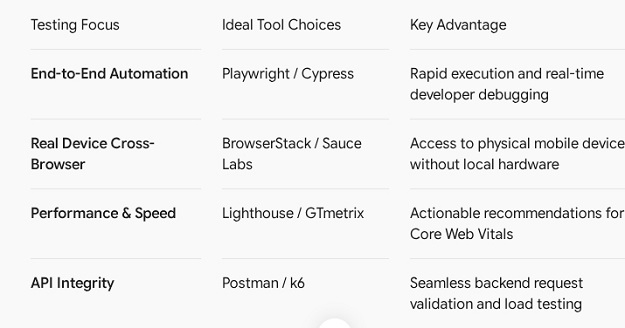
Playwright has become one of the most reliable frameworks for fast, resilient, and headless end-to-end web testing. Supporting Chromium, WebKit, and Firefox, Playwright enables automated testing across web browsers with native mobile emulation capabilities.
Best For: Modern JavaScript/TypeScript single-page applications and end-to-end user journey automation.
2. Cypress
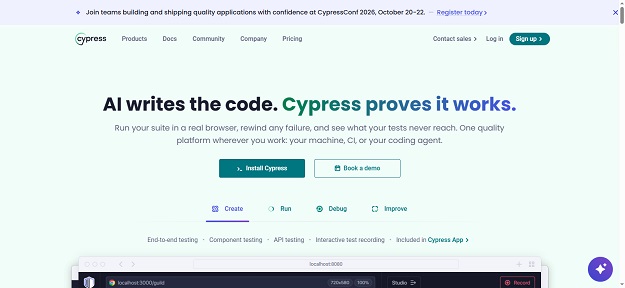
Cypress offers a front-end developer-friendly testing framework built for anything that runs in a browser. Featuring real-time reload, time-travel debugging, and automatic waiting, Cypress simplifies writing unit, integration, and end-to-end tests.
Best For: Developer-centric UI testing and rapid front-end component verification.
3. Selenium WebDriver
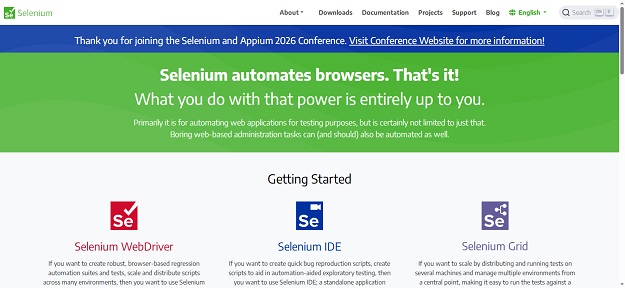
As the historic pioneer of browser automation, Selenium remains an industry benchmark for enterprise-grade automated testing. It supports multiple programming languages, including Python, Java, C#, and JavaScript.
Best For: Enterprise test automation environments with complex cross-browser requirements.
Cross-Browser Cloud Testing
4. BrowserStack
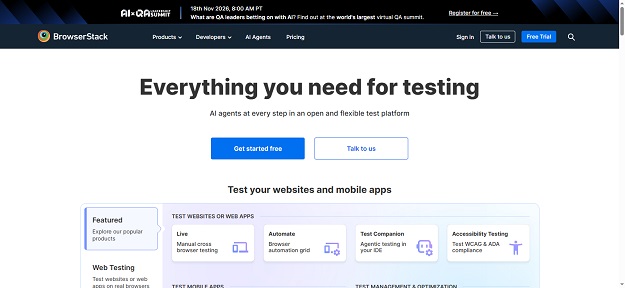
BrowserStack provides instant cloud access to thousands of real mobile devices and desktop browser configurations. It eliminates the need to maintain local physical hardware for cross-browser responsive design testing.
Best For: Real-device cloud testing, interactive manual debugging, and automated visual regression testing.
5. Sauce Labs

Sauce Labs delivers a comprehensive continuous testing cloud for web and mobile apps. It features live, automated, and visual testing capabilities integrated directly into DevOps CI/CD pipelines.
Best For: Scalable enterprise cross-browser testing with CI/CD pipeline integration.
Web Performance & Core Web Vitals
6. Google Lighthouse
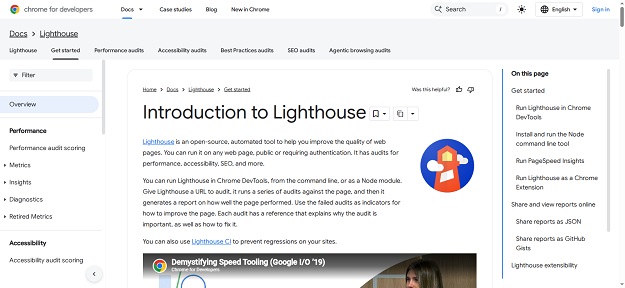
Google Lighthouse is an open-source, automated tool for improving the quality of web pages. It provides detailed audits for performance, accessibility, progressive web apps (PWA), SEO, and adherence to Core Web Vitals standards.
Best For: On-demand performance benchmarking, accessibility scores, and search engine optimization audits.
7. GTmetrix
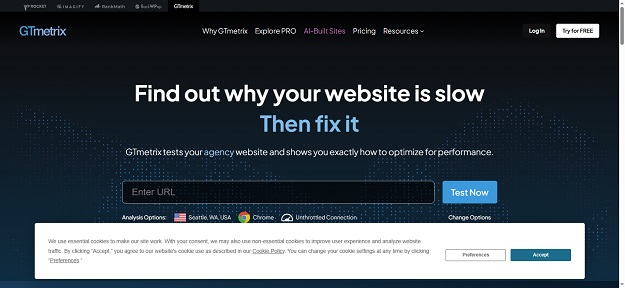
GTmetrix combines Google Lighthouse metrics with proprietary performance tracking, providing granular visual reports on page loading speed, waterfall chart breakdowns, and unoptimized site scripts.
Best For: Visual speed analysis, server response diagnostics, and waterfall analysis.
API & Load Stress Testing
8. Postman
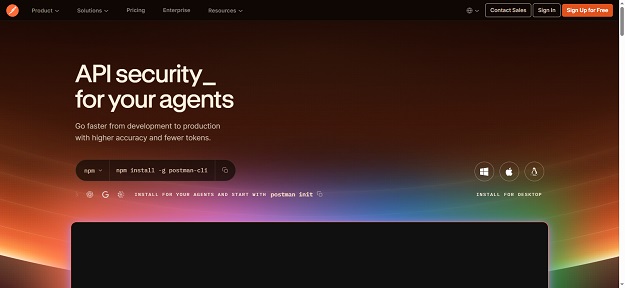
Postman is the leading API platform for building, testing, and managing APIs. It allows developers to automate HTTP requests, inspect response payloads, and integrate API testing scripts seamlessly.
Best For: RESTful API testing, automated backend integration checks, and schema validation.
9. k6 (By Grafana)
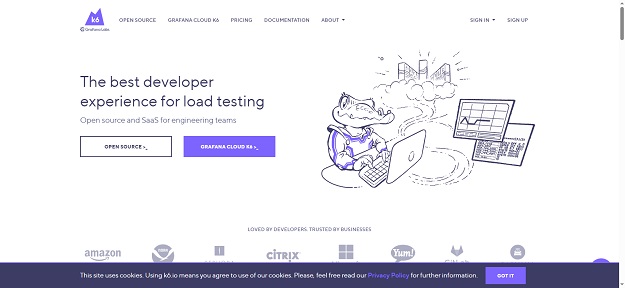
Grafana k6 is an open-source, developer-centric load testing tool built to test the capacity and performance of backend systems, APIs, and infrastructure under high user concurrency.
Best For: High-volume load testing, stress testing, and backend performance monitoring.
10. WebPageTest
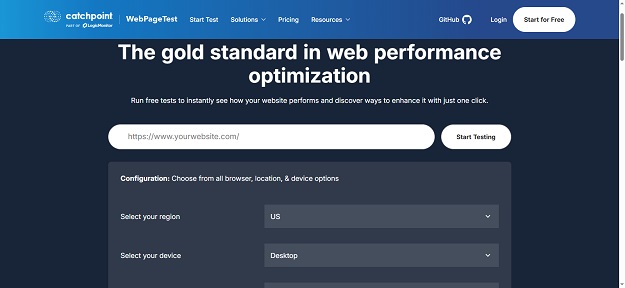
WebPageTest allows users to run free site speed tests from multiple locations worldwide using real browsers at real consumer connection speeds. It offers advanced diagnostic visual comparisons and video capture.
Best For: Deep visual analysis, time-to-first-byte (TTFB) measurements, and international latency checks.
How to Choose the Right Testing Tool for Your Stack
Selecting testing utilities depends heavily on your team size, project scope, and technological framework:
Best Practices for Modern Web Testing
To ensure efficient quality assurance throughout your development workflow, implement these operational practices:
1. Test Early and Continuously: Integrate unit and integration tests directly into your deployment pipeline (GitLab CI, GitHub Actions) to catch bugs before production releases.
2. Prioritize Mobile Responsiveness: Over half of global web traffic originates from mobile devices; always conduct test sweeps on real or emulated mobile viewports.
3. Monitor Core Web Vitals Regularly: Page performance directly affects conversion rates and search rankings. Run automated daily or weekly Lighthouse audits.
Wrapping Up: Building a Bulletproof Testing Workflow
Deploying high-performing, resilient web applications requires using the right software testing utilities. By leveraging modern tools like Playwright for automated UI flows, BrowserStack for real-device compatibility, and Lighthouse for performance benchmarking, developers can ship code with confidence.
Equip your development workflow with these top testing tools to deliver exceptional, reliable web experiences.


