

Before diving into system diagnostics and thermal trackers, ensuring your overall operating system environment is streamlined and optimized for speed is vital for daily productivity. If you want to supercharge your everyday workflow, eliminate unnecessary mouse movements, and navigate your workstation at lightning speed, take a look at our comprehensive guide on 21 Windows Shortcuts for Better Windows Experience to master essential keyboard shortcuts.
Hardware monitoring has evolved far beyond simple task managers. Modern applications interface directly with motherboard sensors, GPU telemetry units, and storage controllers to give you real-time data feeds. For official technical standards regarding hardware telemetry interfaces and sensor management, you can also consult the Intel Software Development and Emulation Portal.
Why You Need Dedicated PC Monitoring Software
While the built-in Windows Task Manager gives you a basic overview of CPU and memory utilization, it completely lacks deep hardware diagnostics:
- Thermal Throttling Prevention: Catch high CPU or GPU temperatures early to prevent automatic speed reductions or thermal shutdowns.
- Overclocking Stability: Monitor precise core voltages, fan curves, and clock speeds when pushing your hardware to its limits.
- Hardware Failure Detection: Spot failing hard drives, unstable RAM timings, or malfunctioning cooling fans before data loss occurs.
The 10 Best PC Monitoring Software Tools for 2026
1. HWMonitor (CPUID)
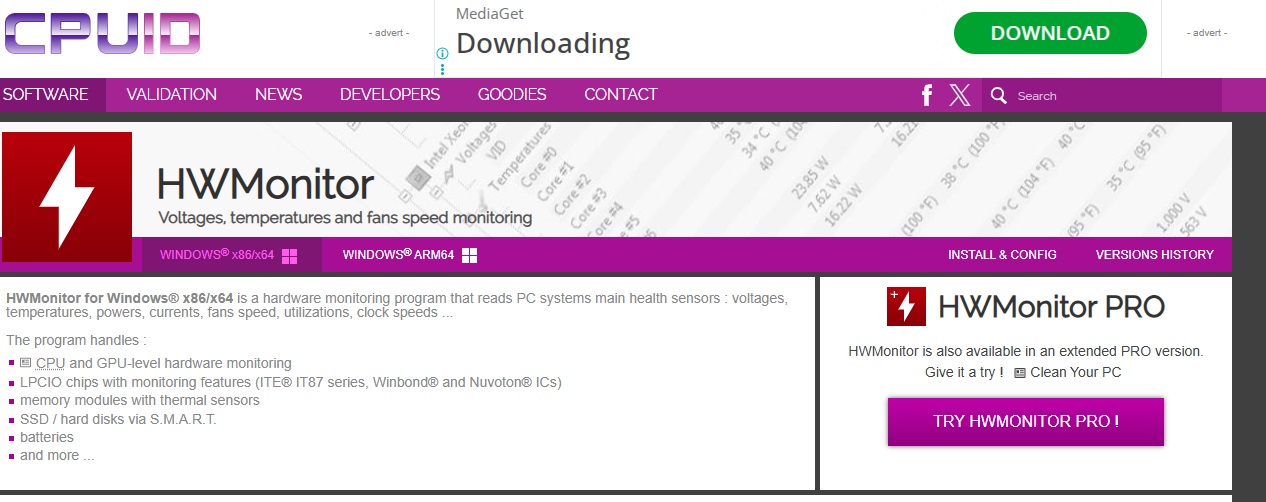
What it does: Developed by CPUID, HWMonitor is a lightweight and classic hardware monitoring program that reads popular PC system sensors to track temperatures, voltage levels, fan speeds, and power consumption in real-time.
- Pros: Extremely lightweight; zero configuration required; cleanly separates readings by component (CPU, GPU, Motherboard, Storage).
- Cons: Interface is purely text-based and basic; lacks advanced charting or on-screen display (OSD) customization.
- Official Site Name & Link: CPUID HWMonitor
2. HWiNFO (HWiNFO32 / HWiNFO64)
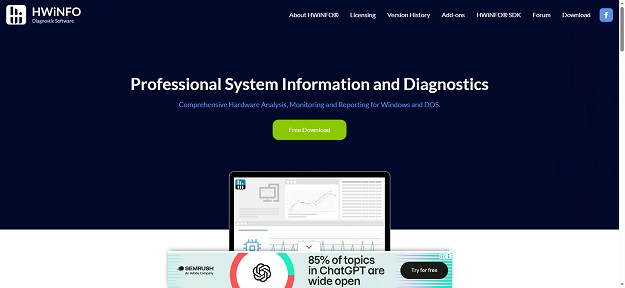
What it does: HWiNFO is widely regarded by enthusiasts and technicians as the most comprehensive, in-depth hardware analysis and monitoring tool available for Windows. It provides exhaustive details about every internal component alongside real-time sensor graphs.
- Pros: Unmatched sensor accuracy; supports customizable logging; integrates seamlessly with RivaTuner Statistics Server for in-game OSD.
- Cons: The massive amount of data can feel overwhelming and intimidating for absolute beginners.
- Official Site Name & Link: HWiNFO Official Website
3. MSI Afterburner
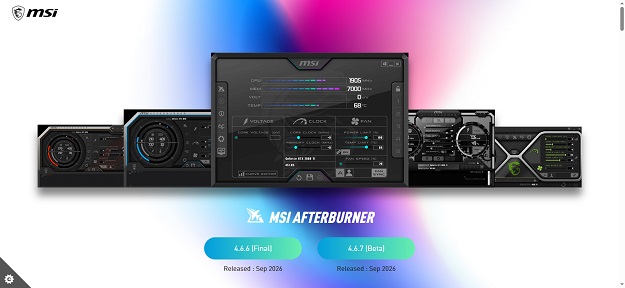
What it does: Primarily known as the world’s most popular GPU overclocking utility, MSI Afterburner includes a powerful hardware monitor and an industry-leading On-Screen Display (RivaTuner Statistics Server) that overlays real-time FPS, temperature, and usage stats directly onto your screen while gaming or working.
- Pros: Incredible real-time OSD customization; precise fan curve control; completely free regardless of your GPU brand (NVIDIA, AMD, Intel).
- Cons: Focused primarily on graphics cards and CPU cores rather than deep motherboard sensor trees.
- Official Site Name & Link: MSI Afterburner Utility
4. AIDA64 Extreme
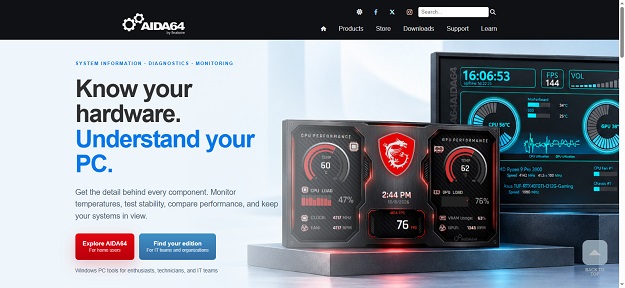
What it does: AIDA64 Extreme is a premier system information, diagnostic, and benchmarking suite. It offers detailed hardware diagnostics, stress testing capabilities, and sensor monitoring with extensive support for external LCD/OLED hardware displays.
- Pros: Industry-standard benchmarking suites; incredibly accurate hardware detection; supports custom sensor panels and external dashboard displays.
- Cons: It is a paid commercial software with only a trial version available.
- Official Site Name & Link: AIDA64 Official Portal
5. Core Temp
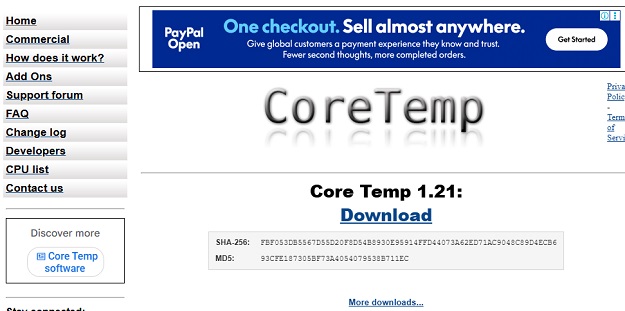
What it does: Core Temp is a compact, no-nonsense utility designed specifically to monitor CPU temperature and individual core loads. It displays real-time temperature readings directly in your Windows system tray.
- Pros: Tiny footprint; highly focused on CPU thermals; supports task tray customization and overheating notifications.
- Cons: Does not monitor GPUs, storage drives, or advanced motherboard voltages.
- Official Site Name & Link: Core Temp Official Site
6. Open Hardware Monitor
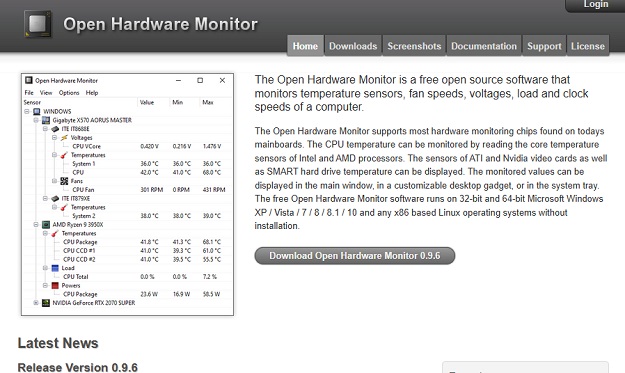
What it does: Open Hardware Monitor is a free, open-source application that monitors core temperature, fan speeds, voltages, load, and clock speeds by reading sensor chips embedded in modern computer hardware.
- Pros: Open-source and free of bloatware; lightweight interface; supports remote web server monitoring via browser.
- Cons: Development updates can be sporadic, though community forks remain active.
- Official Site Name & Link: Open Hardware Monitor
7. NZXT CAM
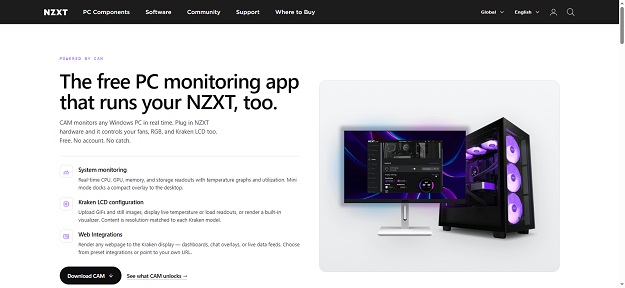
What it does: NZXT CAM is a sleek, modern, and beautifully designed system monitoring application. It tracks PC performance, game FPS, storage usage, and temperatures while also acting as the central control hub for NZXT hardware like liquid coolers and RGB lighting.
- Pros: Gorgeous modern UI; intuitive graphs; excellent gaming overlay and historical tracking.
- Cons: Requires creating an account to unlock full features; heavier system resource footprint than lightweight alternatives.
- Official Site Name & Link: NZXT CAM Dashboard
8. Task Manager & Performance Monitor (Windows Native)
What it does: Built directly into the Windows operating system, the modern Task Manager and Performance Monitor offer immediate, zero-install visibility into CPU, memory, disk, network, and GPU utilization.
- Pros: Always available out-of-the-box; zero installation required; safe and fully integrated into the OS kernel.
- Cons: Lacks detailed sensor temperature readouts, logging tools, and advanced hardware diagnostics.
- Official Site Name & Link: Microsoft Windows Official
9. Speccy (Piriform)
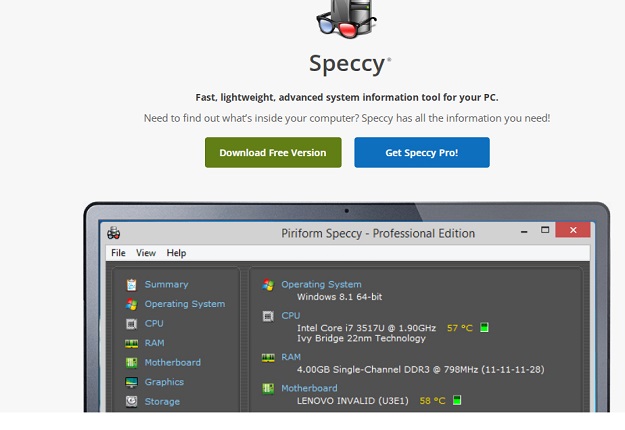
What it does: Developed by the creators of CCleaner, Speccy is an advanced system information tool that gives you a detailed breakdown of every piece of hardware inside your computer, including real-time summary temperatures.
- Pros: User-friendly interface; quick summary view; easy to export and share system specifications.
- Cons: Provides a static snapshot of system specs rather than continuous live sensor logging and graphing.
- Official Site Name & Link: Piriform Speccy
10. GPU-Z (TechPowerUp)
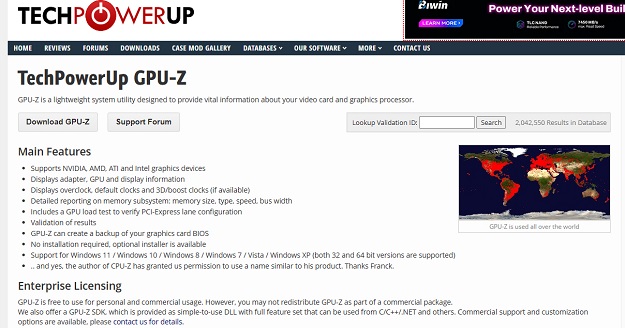
What it does: GPU-Z is a lightweight best pc monitoring software designed specifically to provide vital information about your graphics card and video subsystem, alongside real-time sensor monitoring for GPU temperature, clock speeds, fan RPM, and power draw.
- Pros: The definitive tool for GPU diagnostics; highly accurate sensor logging; portable executable requiring no installation.
- Cons: Restricted solely to graphics hardware monitoring.
- Official Site Name & Link: TechPowerUp GPU-Z
Choosing the Right Monitoring Tool for Your Needs
Selecting the ideal utility depends entirely on what you want to achieve:
- If you want absolute, deep technical accuracy with zero bloat, go with HWiNFO.
- If you want an on-screen display while gaming or working, combine MSI Afterburner with RivaTuner.
- If you just want a quick, clean look at CPU thermals in your system tray, Core Temp or HWMonitor is ideal.
Wrapping Up: Maintaining Peak Hardware Health and System Performance
Investing time in mastering the Best PC Monitoring Software is one of the smartest preventive measures any computer user can take. Throughout this comprehensive, modernized guide, we have explored 10 powerful utilities designed to give you absolute transparency over your computer’s internal health. We began by examining why real-time sensor tracking is critical for preventing thermal throttling, stabilizing overclocked systems, and catching hardware failures before they result in data loss. We then walked through a diverse spectrum of specialized tools—ranging from lightweight tray utilities like Core Temp and GPU-Z to powerhouse diagnostic suites like HWiNFO and AIDA64 Extreme, as well as stylish modern interfaces like NZXT CAM.
As your computer systems and development environments continue to expand in complexity, maintaining balanced optimization across both hardware diagnostics and backend architecture ensures flawless technical execution. Beyond managing system hardware and monitoring internal temperatures, developers frequently need to select robust backend tooling and structural frameworks to build scalable web applications. To explore how you can choose the right architectural foundation for your next project, take a look at our detailed guide on Best PHP Frameworks to Learn in 2026. Combining rigorous hardware monitoring with modern framework practices guarantees that your entire digital ecosystem runs at peak performance and reliability.
Keeping an active eye on your temperatures and resource utilization ensures that your machine remains cool, fast, and durable through years of heavy usage. By incorporating one or two of these trusted diagnostic utilities into your startup routine, you eliminate guesswork and gain total control over your system’s operational limits. As technology evolves and hardware pushes new performance boundaries, staying proactive with your system monitoring will always be the ultimate key to a stable and lightning-fast computer experience.


